





Table of contents
Editor's note:
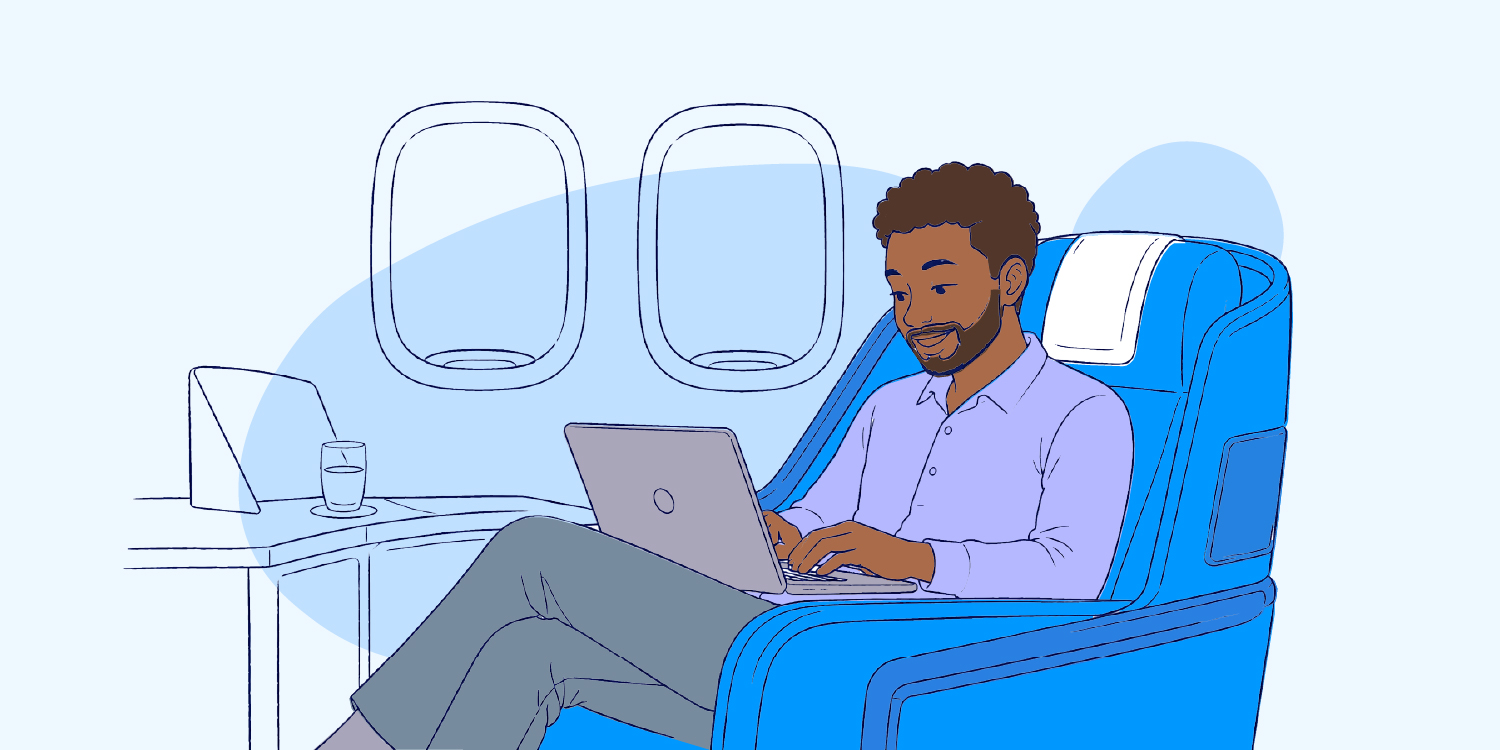
The workspace has evolved. Work is no longer limited to offices or meeting rooms; it now happens in cafés, hotel rooms, home offices, shared workspaces, and areas that offer convenience.
For many organisations, this flexibility has created a more dynamic workplace. Employees can work beyond a city’s perimeter, travel for client meetings, extend business trips into short holidays, or attend to personal matters while still staying connected. That flexibility is useful, but it also expands the security conversation.
When employees travel, company data travels with them. A work email opened at an airport, a file downloaded in a hotel lobby, or a call taken in a taxi may seem normal, but outside the office, the usual protections are weaker. The network is unfamiliar, the environment is public, and the employee may be distracted or moving quickly between tasks. This makes travel season a good time for fake flight alerts, suspicious Wi-Fi networks, malicious QR codes, and other mobile attacks.
The risks of remote and mobile work are not abstract. Operating outside the office can weaken normal security controls and make employees easier targets for phishing, unsafe connections, and account compromises. For instance, the UK Government’s Cyber Security Breaches Survey 2025/2026 found that 43% of businesses in the UK experienced a cyber breach or attack in the last 12 months. Among organisations that identified a breach or attack, phishing was reported by 88% of affected businesses. This baseline risk intensifies during travel, where a fake flight update, urgent hotel billing message, or spoofed login request can arrive exactly when a traveler is most distracted.
This does not mean employees should stop traveling or working remotely. It means security must follow the employee wherever work happens.
Why travel increases cybersecurity risk
In the office, employees usually work with trusted networks, managed devices, access controls, and nearby IT support. While travelling, those safeguards are easier to lose. People connect from public places, rely more heavily on mobile devices, and switch between work and personal tasks throughout the day.
A typical travel itinerary illustrates this vulnerability: checking emails over airport Wi-Fi, joining a video call from a hotel lobby, scanning a digital restaurant menu, and charging a phone via a public USB station. Individually, these actions appear completely benign. Collectively, they create multiple vectors for business data exposure.
Organisations are expected to protect information in remote and mobile working environments, not just inside the office. A laptop used in a hotel room should receive the same defense as one used at headquarters.
Common mobile and travel security risks
Travel related security risks usually come from ordinary situations, making them easy to overlook. The danger is that they often look ordinary.
1. The “Bleisure ” risk
Bleisure travel happens when employees combine business travel with personal leisure time. There is nothing wrong with extending a business trip for personal time. The risk begins when the same device moves between work and personal bookings.
For example, an employee may travel for a meeting on Friday and stay for the weekend. On the first day, they log into the company CRM from the hotel. The next day, the same laptop is used to book tours, scan restaurant QR codes, and open hotel emails. A careless click can bring corporate data into a personal-risk moment.
2. Smishing and Travel Scams
SMS phishing, or "smishing," relies on targeted text messages designed to trick recipients into clicking malicious links, revealing confidential details, or surrendering login credentials on spoofed websites.
During travel, smishing messages often look like flight updates, hotel payment notices, baggage alerts, taxi app messages, delivery notices, or booking confirmations. They work because they arrive when people are busy, tired, or expecting travel-related updates.
3. Public Wi-Fi risks
Public Wi-Fi remains one of the most familiar travel risks. A network named “Hotel_Guest” or “Airport_Free_WiFi” may look official, but attackers can create fake networks with believable names. Once connected, users may be redirected to fake login pages or exposed to traffic interception. Public Wi-Fi should not be trusted based on its display name alone.
4. Mobile Network Risks and 5G Downgrade Attacks
Mobile network risks also matter. Mobile data is usually safer than random public Wi-Fi, but it is not risk-free. Some attacks try to force devices from stronger connections to weaker ones. These are known as downgrade attacks. The goal is to push the device into a less secure state, which may make tracking or interception easier.
5. Physical Travel Risks
There is also the physical side of travel. Airports, train stations, cafés, hotel lobbies, taxis, and conference spaces are exposed public spaces . Screens are visible, conversations can be overheard, and bags are often placed under chairs or left beside tables. A passerby could see a password, photograph a document, overhear a client conversation, or steal a device in seconds.
6. Public USB Charging Stations ("Juice Jacking")
Utilizing public USB charging ports can expose a device to "juice jacking," a vulnerability where a compromised port or altered cable utilizes the USB interface’s data channel rather than just its power delivery. This can allow malicious software to be installed silently or allow data to be extracted directly from the phone. While modern smartphone operating systems have introduced better USB restriction policies, employees should avoid unknown charging ports entirely.
7. QR code risks
QR codes appear on menus, posters, payment pages, hotel check-in stands, event materials, and transport notices. A criminal can place a fake QR sticker over a real one or use a code to send people to a cloned website.
The code itself is not the problem. The problem is where it leads. Employees should treat QR codes like unknown links. Before entering payment details, personal information, or work credentials, they should check the website address carefully.
Key Elements of a Robust Travel Security Policy
An effective travel security policy removes ambiguity by giving employees explicit guidance on how to act outside the office. It should clearly define authorized devices, dictate exactly when a Virtual Private Network (VPN) must be active, restrict what sensitive data can be downloaded locally, and outline proper data handling procedures in public settings. Crucially, it must also provide a frictionless, clear protocol for reporting lost devices or security anomalies.
A comprehensive policy should explicitly cover:
- Approved enterprise hardware and authorized network paths.
- Enforcement of Multi-Factor Authentication (MFA) and device encryption.
- Physical security protocols for assets in transit.
- An immediate, no-blame incident reporting process.
Mobile and remote security should never depend on individual intuition alone; it requires explicit controls, hardened access management, asset protection, and a transparent response loop.
The Pre-Travel, Transit, and Post-Travel Checklist
Travel security works best when people know exactly what to do before, during, and after a trip. They are clear habits that reduce risk.
Before the Trip
- Apply All Pending Updates: Ensure all operating systems and corporate applications are completely updated before departure. These patches close known vulnerabilities that threat actors actively exploit. Waiting until you are on an airport network is too late.
- Pre-Test MFA and VPN Access: Verify that your Multi-Factor Authentication methods and corporate VPN function flawlessly outside the office network. Discovering a configuration error in a hotel lobby ten minutes before a high-stakes client presentation is an avoidable operational failure.
- Purge Unnecessary Local Data: Do not travel with sensitive documents or databases stored locally on your device if they are not strictly required for the trip. Utilize approved corporate cloud environments to reduce the impact of potential physical theft.
- Execute Complete Backups: Back up all critical files to an approved enterprise location before departure to ensure seamless, rapid recovery if hardware is lost, damaged, or stolen.
- Pack Dedicated Charging Accessories: Travel exclusively with your own wall chargers, official cables, and certified external power banks. Utilizing a personal charger plugged directly into a standard AC wall outlet entirely bypasses the risks associated with public USB ports.
In Transit and On Site
- Maintain Strict Physical Control: Keep laptops, smartphones, and credentials within arm's reach at all times. Never check corporate computing assets into airline hold luggage, and never leave hardware unattended in hotel lobbies, conference rooms, or taxis.
- Deploy Physical Privacy Screens: Utilize privacy filters on laptops and tablets when working in crowded environments like trains or lounges. This simple control blocks off-angle viewing, stopping onlookers from reading sensitive emails, internal dashboards, or credentials over your shoulder.
- Move Confidential Calls to Private Spaces: Avoid discussing corporate strategy, financial metrics, or client-sensitive issues in public spaces like elevators, shared lounges, or ride-shares. If a conversation cannot wait, keep details entirely generic or move to a private location.
- Default to Mobile Hotspots or Active VPNs: Prioritize using your cellular network or a personal mobile hotspot over open public Wi-Fi. If public Wi-Fi is absolutely mandatory, ensure the corporate VPN is fully active before opening any business tool, email client, or database.
- Disable Auto-Join and Clear Saved Networks: Configure devices to prevent automatic connection to public Wi-Fi networks, as threat actors can spoof common network names to force auto-connections. Once you disconnect from a public network, explicitly "forget" it within your device settings.
- Verify Communications via Native Apps: Do not click links inside unexpected text messages or emails regarding flight updates, hotel booking modifications, or parcel deliveries. Instead, open the official airline, hotel, or courier application directly to verify the alert.
- Audit QR Destination URLs: Treat scanned QR codes with the same suspicion as an unverified link. Carefully review the full address bar before inputting any credentials, personal identifiers, or financial information.
- Never Approve Unsolicited MFA Prompts: An unexpected, out-of-context MFA push notification usually indicates that an attacker has already acquired your password and is attempting to authenticate. Deny the prompt immediately, update your password via secure corporate channels, and notify your security team. Never approve a prompt simply to silence a notification.
- Lock Screens Invariably: Lock your device screen every single time you step away, even for a moment. This practice applies universally across airport seating, coffee shops, hotel rooms, and home environments. An unlocked screen provides instantaneous, unhindered access to corporate ecosystems.
After the Trip
- Post-Travel Review and Clean-up: Once you return, explicitly remove temporary travel files, delete unneeded local downloads, and revoke any temporary folder access granted during the trip. Ensure all saved public travel networks are purged from your device’s network history.
What to Do If a Security Incident Occurs
Mistakes happen, devices get lost, links get clicked, and fake login pages sometimes look convincing.
Employees should report lost devices, suspicious messages, strange MFA prompts, fake login pages, or missing work documents as soon as possible. Early reporting gives the security team time to lock accounts, wipe devices, reset credentials, block malicious links, and check for unusual activity.
A culture built on transparency and rapid response is a company's best defense: silence grants attackers time, but early disclosure stops a minor error from becoming a corporate incident.
Conclusion
The reality of modern business is that employees will continue to work from airport gates, hotel rooms, and client sites. They will scan digital menus, join remote calls, and reply to time-sensitive messages while in transit.
The goal of security awareness is not to make professionals fearful of technology or their environments. Rather, it is to build deliberate habits that allow them to pause at the right moments because a few seconds of caution can effectively block a sophisticated attack.
Make secure behaviour easy. Give employees the tools, guidance, and confidence to work safely wherever they are because the workplace now travels in backpacks, briefcases, and pockets ; it follows employees beyond office walls.



.png)


%201.png)
%201.png)

%201.svg)


%201.png)
%201%20(1).png)