





Table of contents
Editor's note:
You receive a call from someone claiming to be from customer support. They know your name, your business, and the exact payment platform you use. They explain that there is an urgent issue with your account and ask for the one-time code that just arrived on your phone.
It sounds convincing, but the person on the line is not from support. They already hold basic details about your business and are attempting to bypass the security checks standing between them and your funds. This is a classic account takeover attempt.
Account takeover is a growing form of online fraud. In 2025, the United States Federal Bureau of Investigation (FBI) received more than 5,100 complaints relating to financial account takeover, with reported losses exceeding US$262 million. Criminals want access to genuine accounts because those accounts already have the trust they need.
What is account takeover?
Account takeover occurs when an unauthorized party gains access to a legitimate online account and operates it without the owner’s consent.
The target could be a business account, email account, payment platform, or any other service that holds valuable information or gives access to money.
Once inside, an attacker may be able to:
- View sensitive account or transaction information.
- Change contact or security details.
- Execute unauthorized financial transactions.
- Add unauthorized users or elevate existing account permissions.
- Lock the real account owner out.
- Impersonate the business to target customers, employees, or business partners.
In some cases, the attacker may act quickly. In others, they may stay unnoticed while they learn how the account works, who has approval rights, and when transactions are usually made; this makes account takeover particularly risky for businesses. Account takeover also doesn’t automatically mean the platform itself has been breached: A genuine account already has a level of trust attached to it. If a fraudster gains access, their activity may look legitimate.
Verizon’s 2026 Data Breach Investigations Report found that credential abuse accounted for 13% of initial access methods in the breaches it analysed. While attackers are increasingly exploiting software vulnerabilities, stolen login details remain a common way to gain access to accounts.
This is why account security needs more than a password. Strong authentication, access controls, and transaction checks all help reduce the chances of stolen credentials turning into full account access.
How fraudsters try to get around security
Fraudsters rarely need to break through a company's core software infrastructure; instead, they target the people using it.
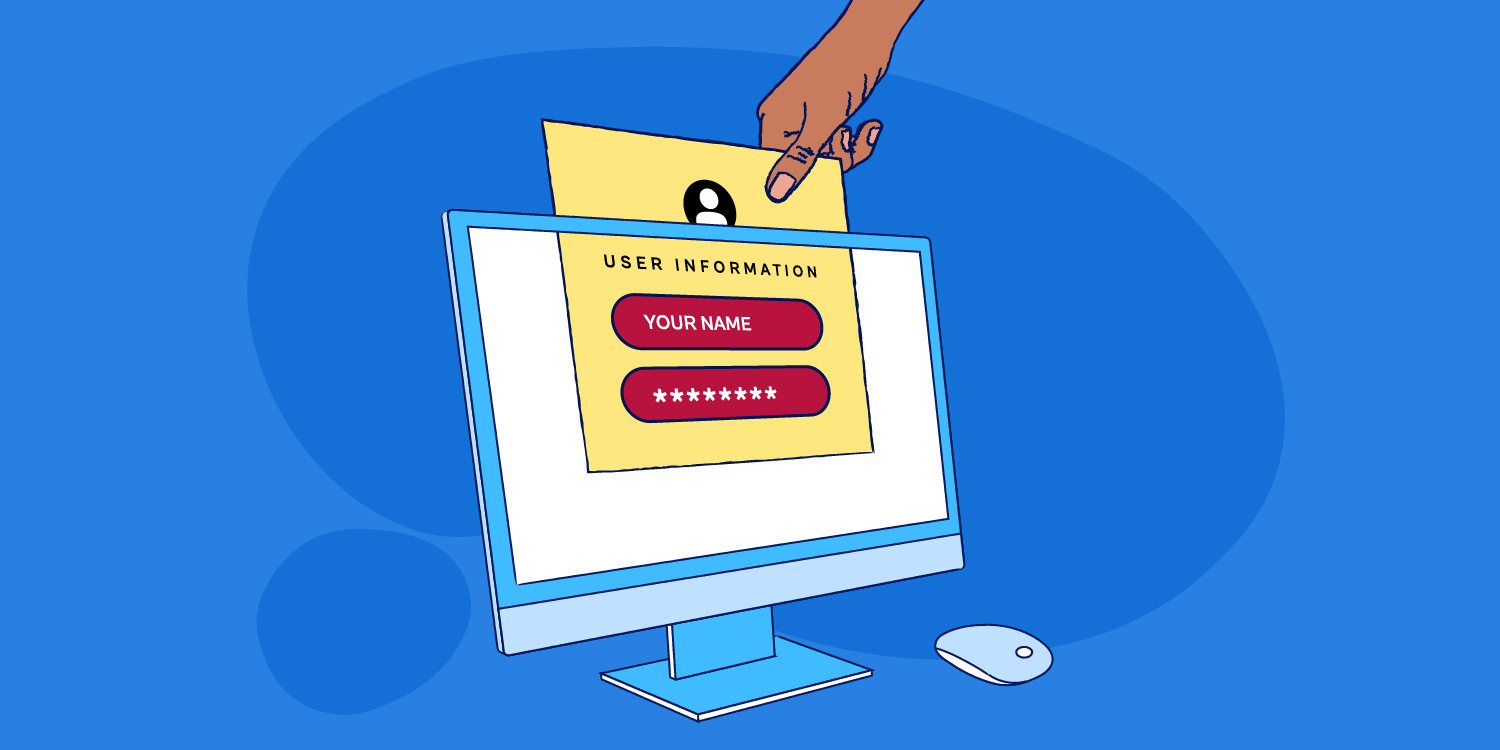
Through social engineering, attackers deploy fake login pages, impersonate support staff, or manufacture artificial urgency to trick users into handing over credentials or security tokens.
A typical phishing message might read:
"We’ve detected suspicious activity on your account. Click here immediately to secure your funds."
While the message appears official, the link routes to a spoofed website designed to harvest credentials. Other tactics involve voice calls (vishing) or SMS (smishing). While the delivery channel changes, the objective remains the same: acquire enough security data to pass authentication checks.
This reality highlights why account security cannot rely on passwords alone. Lasting protection requires defensive layers, ensuring a single compromised detail does not grant total system access.
How Kora helps protect your account
Kora embeds multiple security controls into its payment infrastructure to safeguard account access and prevent unauthorized transactions:
- Multi-factor Authentication: Kora enforces MFA for sensitive account actions. Passwords alone are not enough; users must also enter a two-factor authentication (2FA) code generated by an authenticator app. Even if a password is compromised, attackers face an additional barrier. Never share an authentication code or approve a prompt you did not initiate.
- IP Whitelisting for payouts: Businesses can restrict payout requests to pre-approved IP addresses. Even if an attacker obtains login credentials, they cannot initiate payouts from an unapproved location. Managing approved IPs requires 2FA validation, keeping payout controls strictly in authorized hands.s 2FA. This gives you more control over where payout requests can come from.
- Role-Based Access Control (RBAC): Not everyone on your team requires maximum access. Kora enables administrators to assign granular roles based on individual responsibilities. If a specific account is compromised, the attacker's access remains restricted to that role’s permissions.
- Approver-Initiator workflow Kora separates payout creation from final authorization. An "Initiator" drafts the payout, while a secondary "Approver" reviews and validates it. Until approval is granted, payouts remain in "Awaiting Approval" status. This dual-control setup creates a vital window to catch unfamiliar requests, wrong banking details, or unauthorized transfers across single and bulk payouts..
- Settlement account changes go through verification: Modifying where your business receives settled funds is a sensitive action. Kora requires a formal verification process before updating settlement account details. Settlement destinations cannot be changed like standard dashboard settings, adding critical control over money movement.
Practical steps to secure your business account
While Kora provides built-in technical safeguards, active account management strengthens your overall security posture:
- Use strong, unique password: Avoid reusing passwords across personal and corporate platforms. Use a trusted password manager to generate and store complex, unique credentials for your Kora account.
- Keep 2FA codes strictly confidential: Your two-factor authentication (2FA) code is part of the security check that confirms an action is coming from you. Don’t share it with anyone, even if the person claim to represent Kora support or report an urgent issue with your account. Kora staff will never ask for your 2FA code.
- Conduct regular access audits: User roles should evolve with your organization. Conduct periodic access reviews to check:
- Who holds active dashboard access.
- Who has permission to view financial records.
- Who can initiate or approve payouts.
- Whether former staff, contractors, or offboarded users still have active access. Ensure access is strictly limited to current job requirements.
- Use Approver-Initiator controls: Separate the duties of payout creation and payout authorization. Approvers should thoroughly inspect transaction details rather than routinely approving requests from familiar colleagues.
- Keep your IP whitelist up to date: If your business uses IP whitelisting, review the approved IP addresses when your working arrangements change. Remove addresses you no longer use and only add those your business recognises and trusts.
- Verify login destinations: Fake login pages are designed to steal credentials. Rather than clicking links sent via email or text messages, navigate directly to Kora’s official website to log in.
- Reject unexpected prompts: If you receive an unsolicited 2FA code, password reset email, or payout approval request, do not approve it. Investigate your account immediately to determine what triggered the alert.
Red flags and incident response
Account takeovers often begin with subtle, unexpected changes. Watch closely for:
- A login alert or 2FA code you didn’t request.
- A password reset or account change you didn’t make.
- A new user, permission, or IP address you don’t recognise.
- Unfamiliar payout requests or pending transactions.
- A change to your settlement details.
- Sudden inability to log in using valid credentials.
If you suspect your account has been compromised:
- Do not approve any pending requests or login prompts.
- Access Kora directly via the official website, review account logs, change your password, and audit user permissions and settlement settings.
- Contact Kora immediately through official support channels to report suspicious activity
Shared responsibility in account security
Security is built into every layer of Kora’s payment infrastructure. By combining MFA, IP whitelisting, role-based access controls, dual-approval workflows, and verified settlement changes, we provide multi-layered defense around your funds.
Our infrastructure adheres to rigorous global compliance standards security and compliance standards, including PCI DSS v4.0, SOC 2 Type II and ISO certifications. These controls provide several layers of protection, but staying alert still matters.However, technical security is most effective when paired with vigilant daily practices.
Protect your login credentials, audit user access regularly, inspect payout requests thoroughly, and always verify urgent requests through trusted, official channels before taking action.


.png)


%201.png)
%201.png)

%201.svg)


%201.png)
%201%20(1).png)